Case Study
Scheduler
A task management iOS app built around reduced interaction paths, frictionless input, and a minimal UI system.
Overview
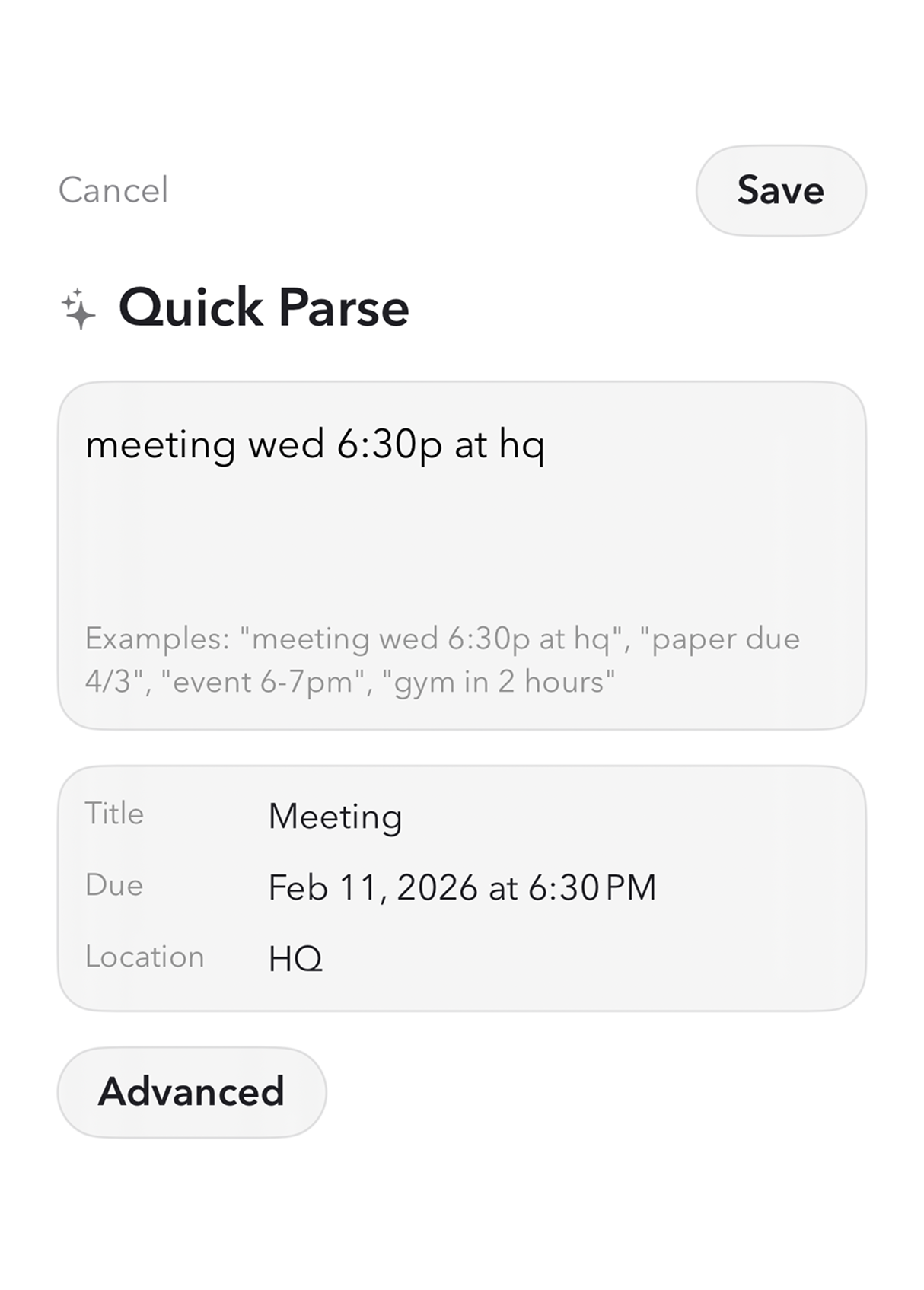
Scheduler helps people navigate daily tasks and events with easy input and scheduling. The product uses a simple display and interface with a smart autoscheduling system and NLP inputs to keep focus on getting work done.
Timeline: 6 weeks. Deliverables: UI system, iOS prototype, and a production-ready design kit.
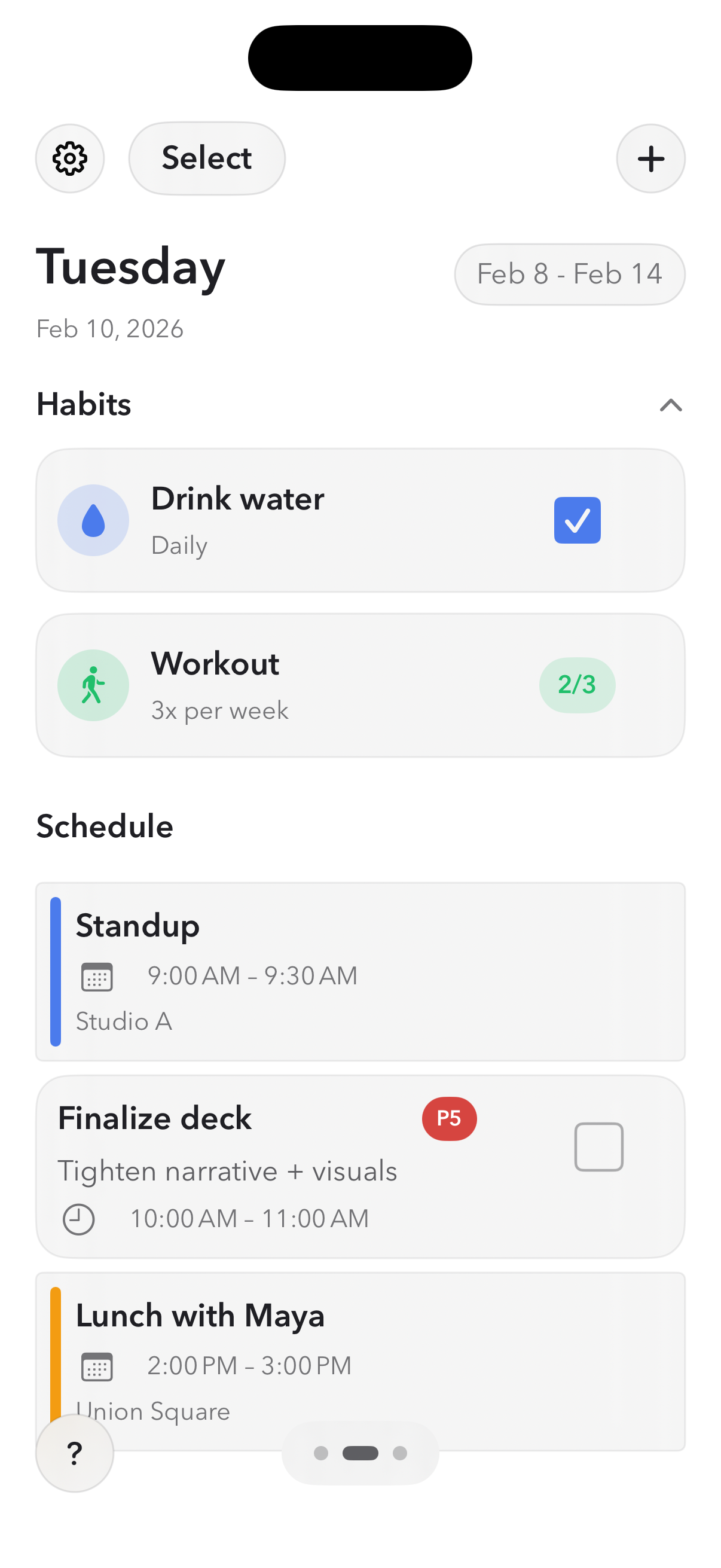
Scheduler Screens
Key views from the scheduler flow, showing a calm hierarchy and structured rhythm.
Main view that anchors the day's focus blocks and highlights the next session at a glance.
Events were given a sharper corner radius to reinforce their fixed nature in the schedule, while tasks remained visually softer to signal flexibility and support autoscheduling intuition.
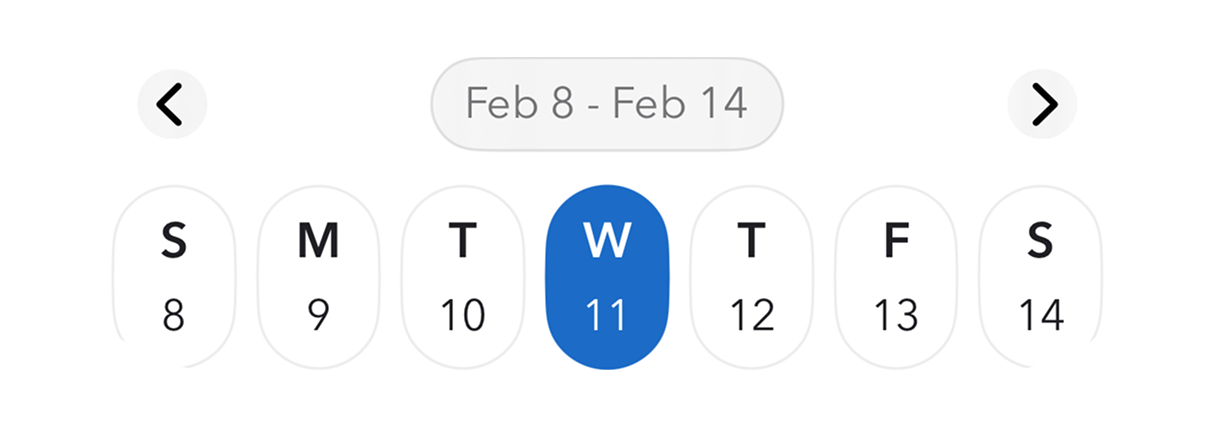
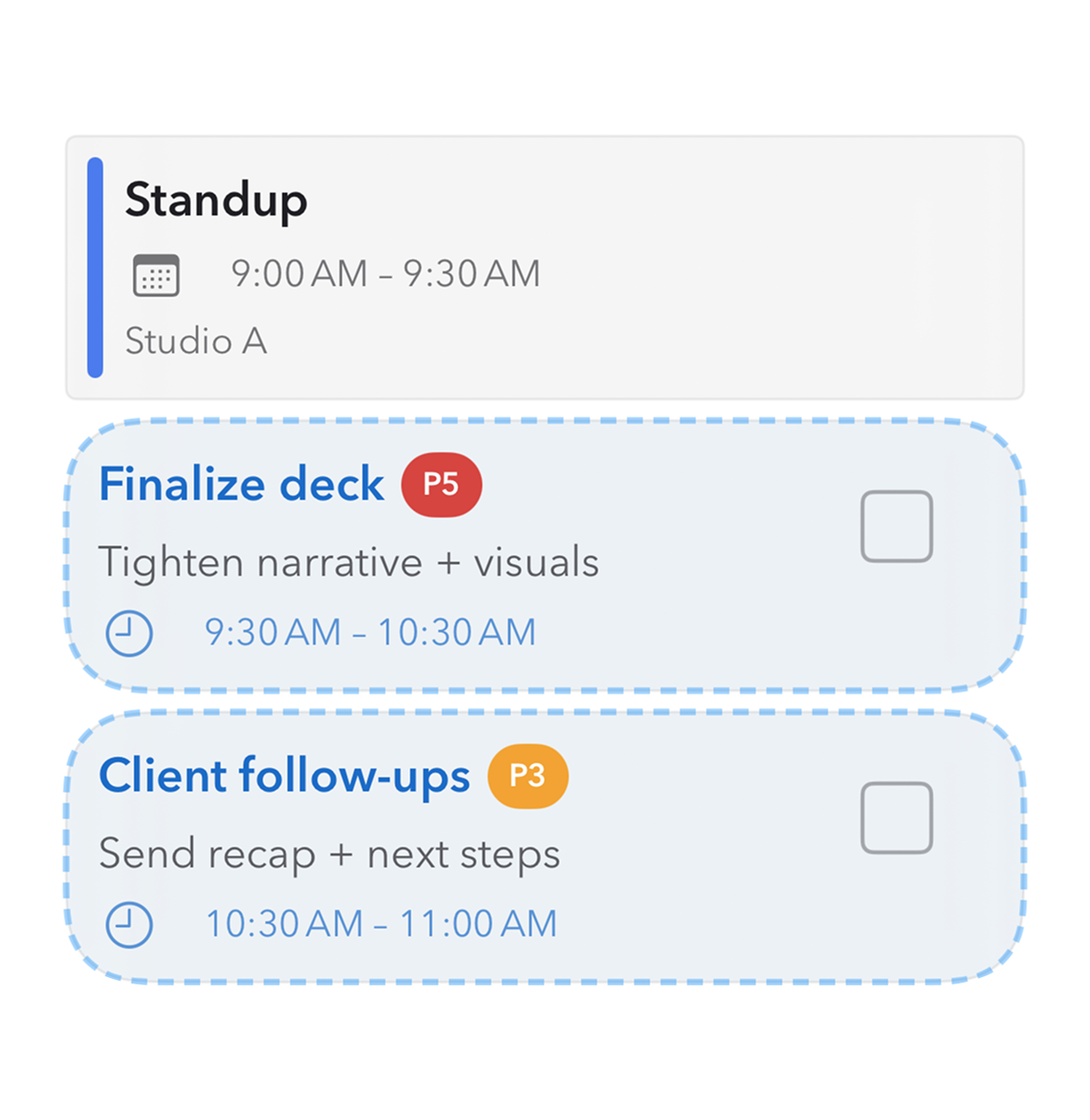
A compact task list with priority cues and just enough context to keep decisions light.
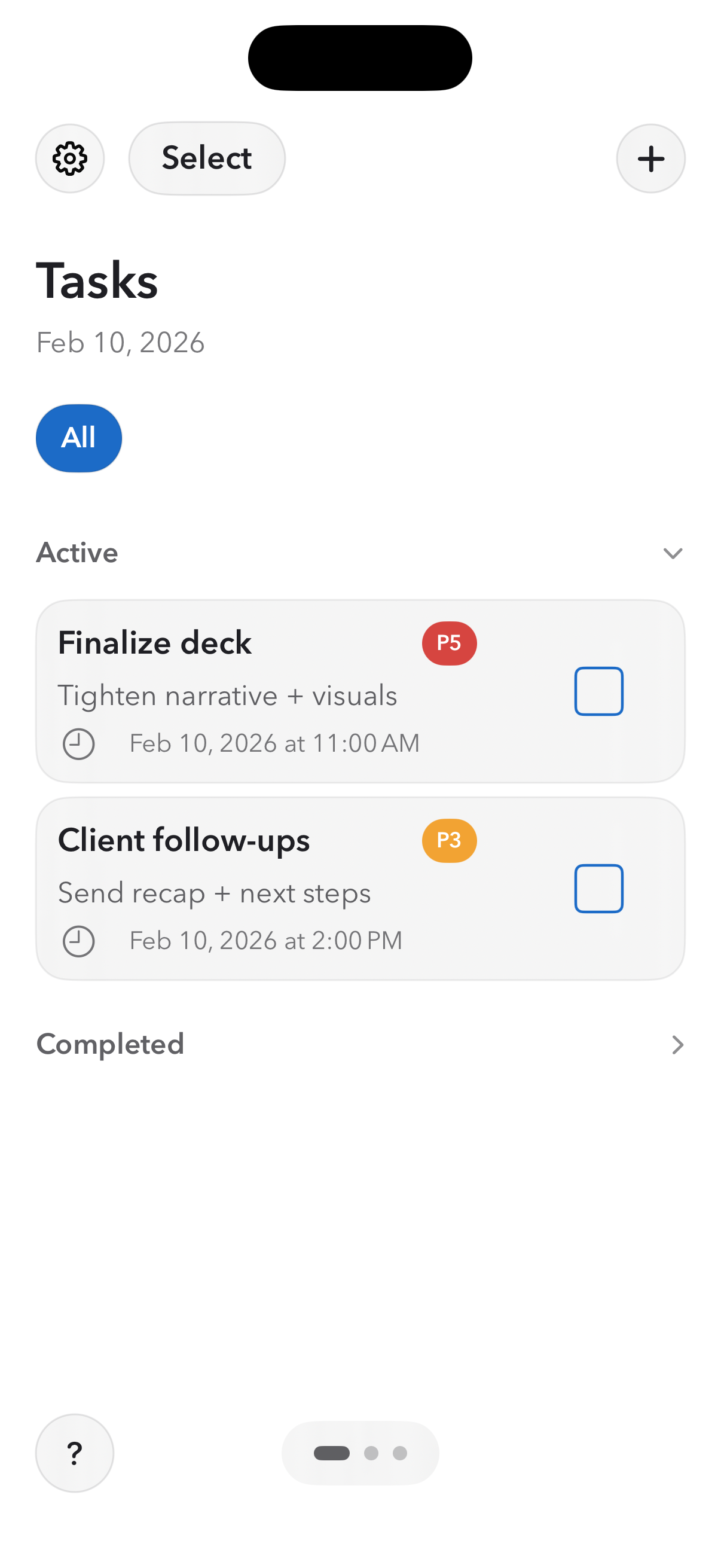
This view intentionally adopts familiar interaction patterns to reduce cognitive load for users already familiar with similar productivity applications.

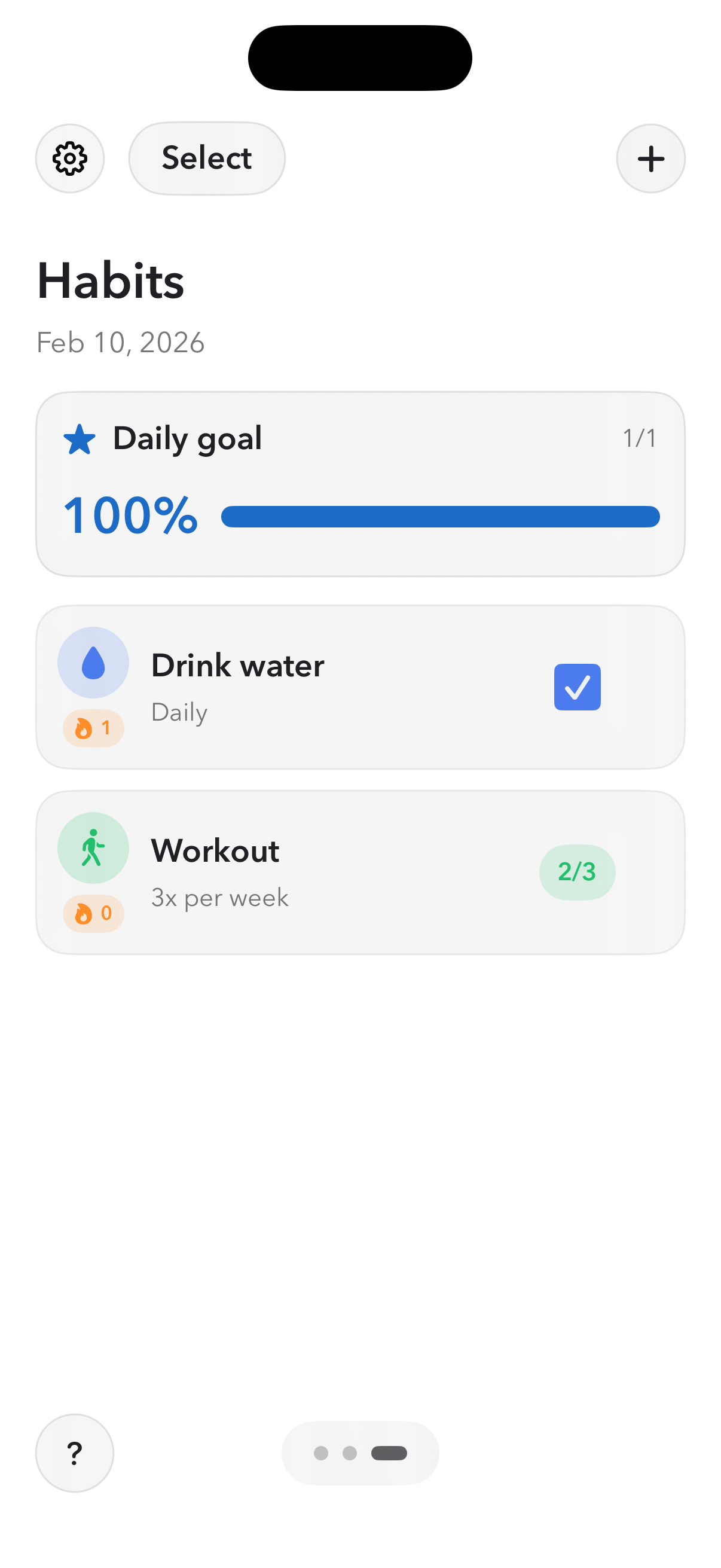
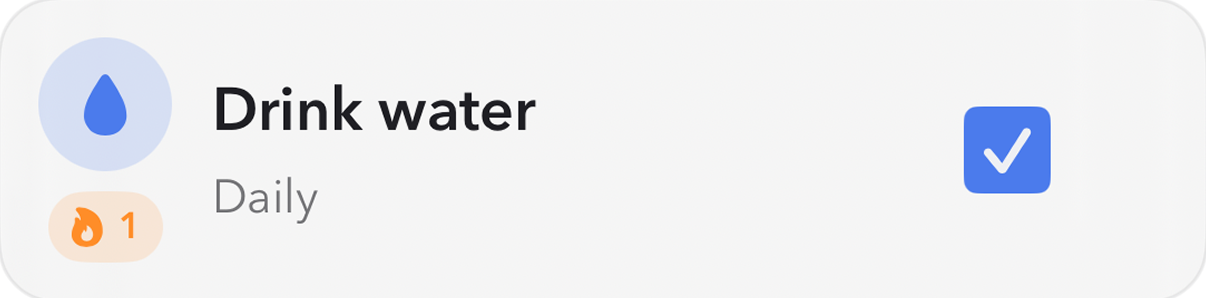
Habit tracking stays quiet and minimal, showing streaks and daily progress without visual noise.
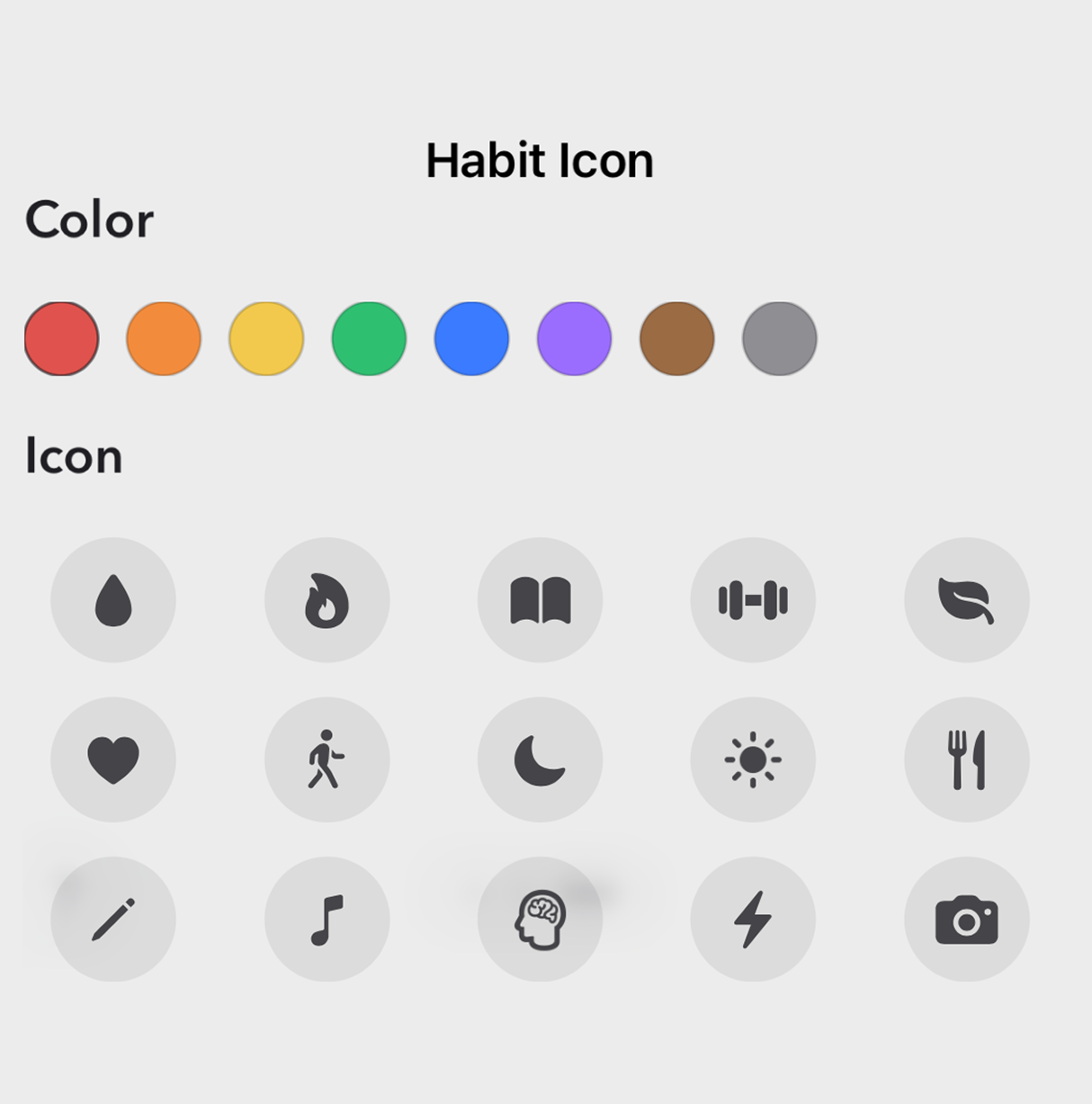
The habit tracker needed to support recurring behavior without confusing the task and scheduling experience, while lightweight personalization through custom icons increased engagement without fragmenting the design system.
Role
Product strategy, UX flow, UI system design, and SwiftUI prototype to validate interaction decisions.
Outcome
The final system shipped as a compact iOS app with clear visual hierarchy and minimal user and interaction flow.
Status: In testing phase.